
Token Editor
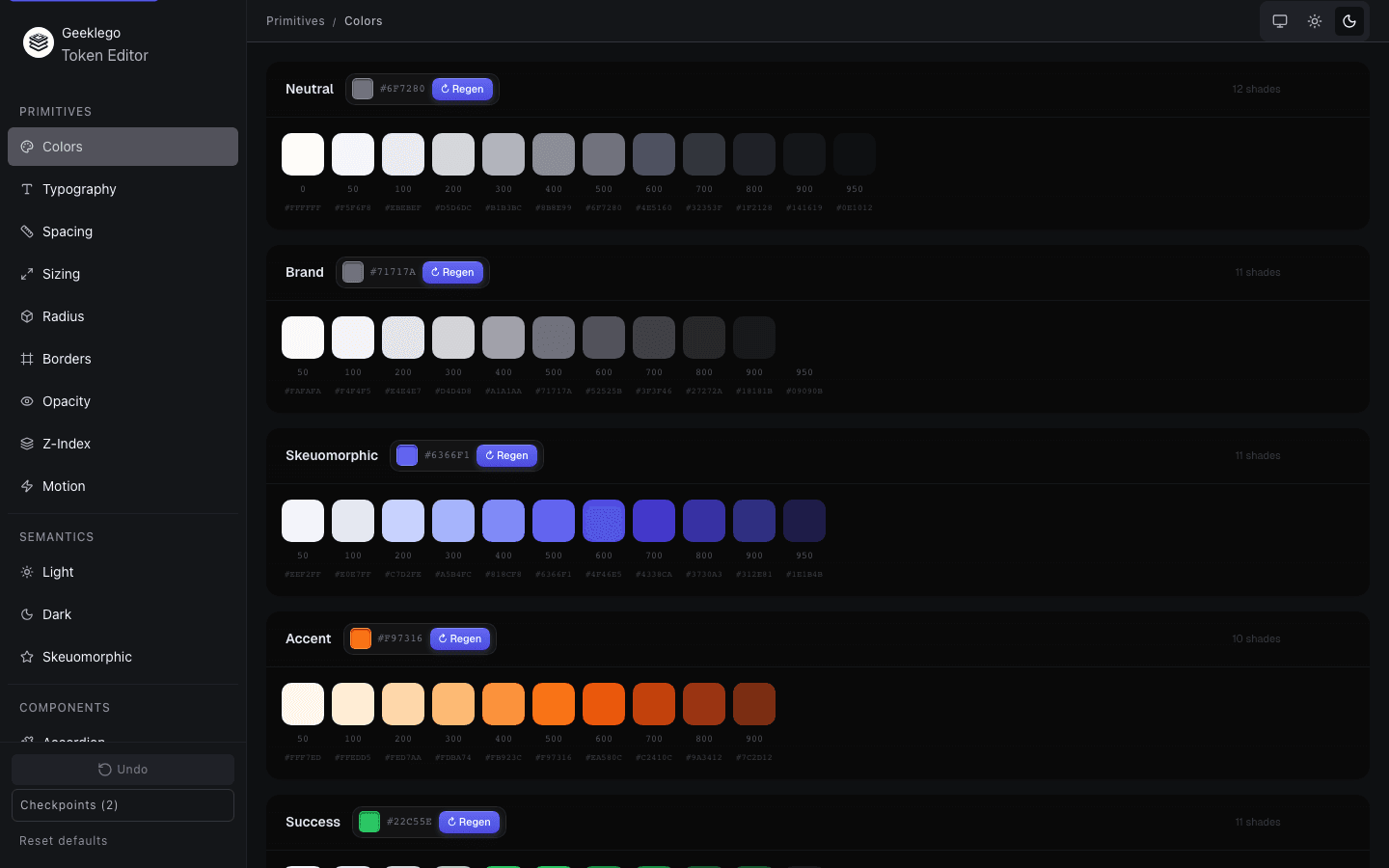
A visual editor for customizing the Geeklego design token system — primitives, semantics, and component tokens — all in one place.
Overview
What Is the Token Editor?
The Token Editor is a standalone Vite app that lets you visually inspect and modify every layer of the Geeklego design token system. Changes are saved directly to geeklego.css, with live preview, undo/redo, and checkpoint support.
Setup
Running the Token Editor
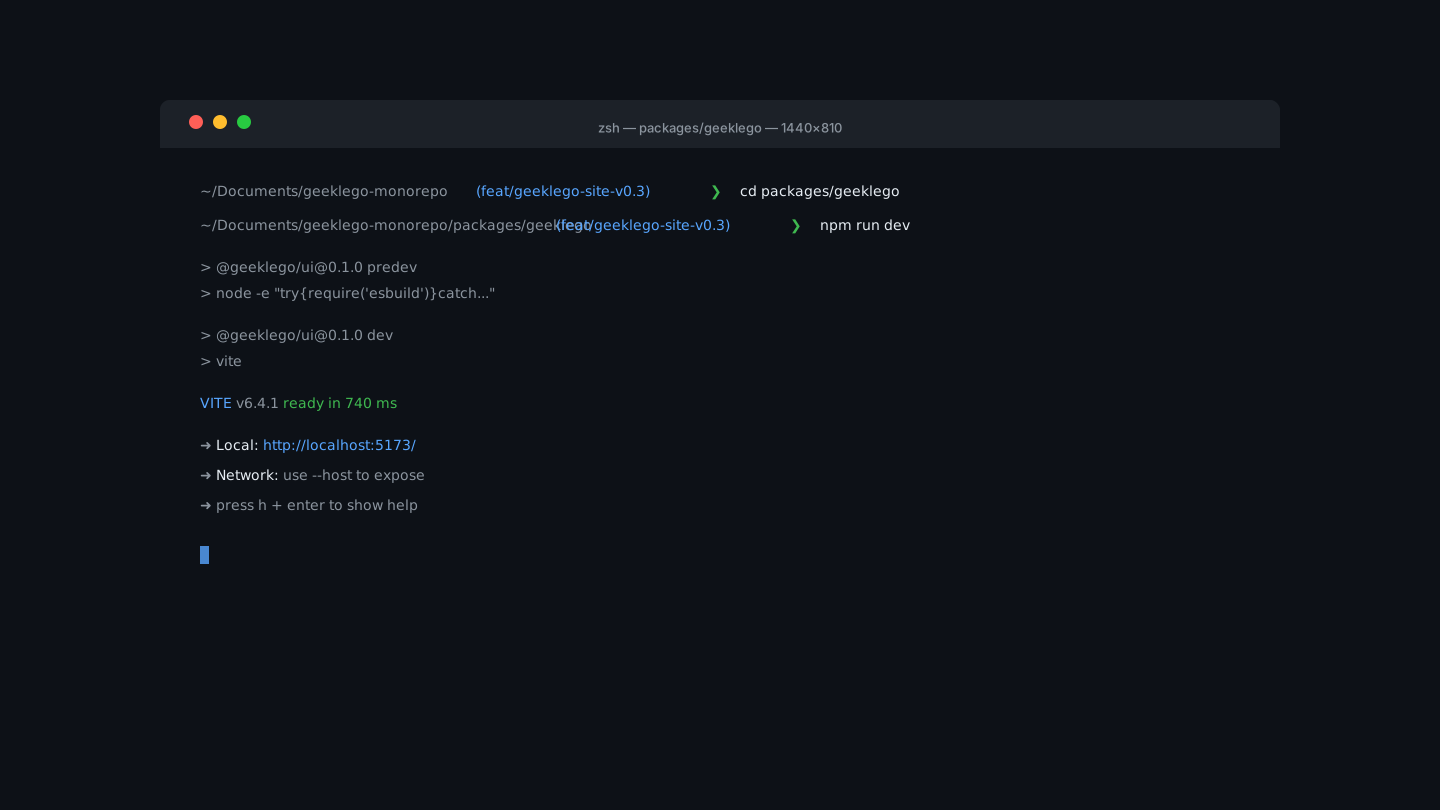
The Token Editor lives inside the monorepo under packages/geeklego/. Start it with a single command — it serves at http://localhost:5173.
cd packages/geeklego
npm run dev
Interface
Six Editing Tabs
The editor is organized into six tabs, each targeting a distinct layer of the token system.
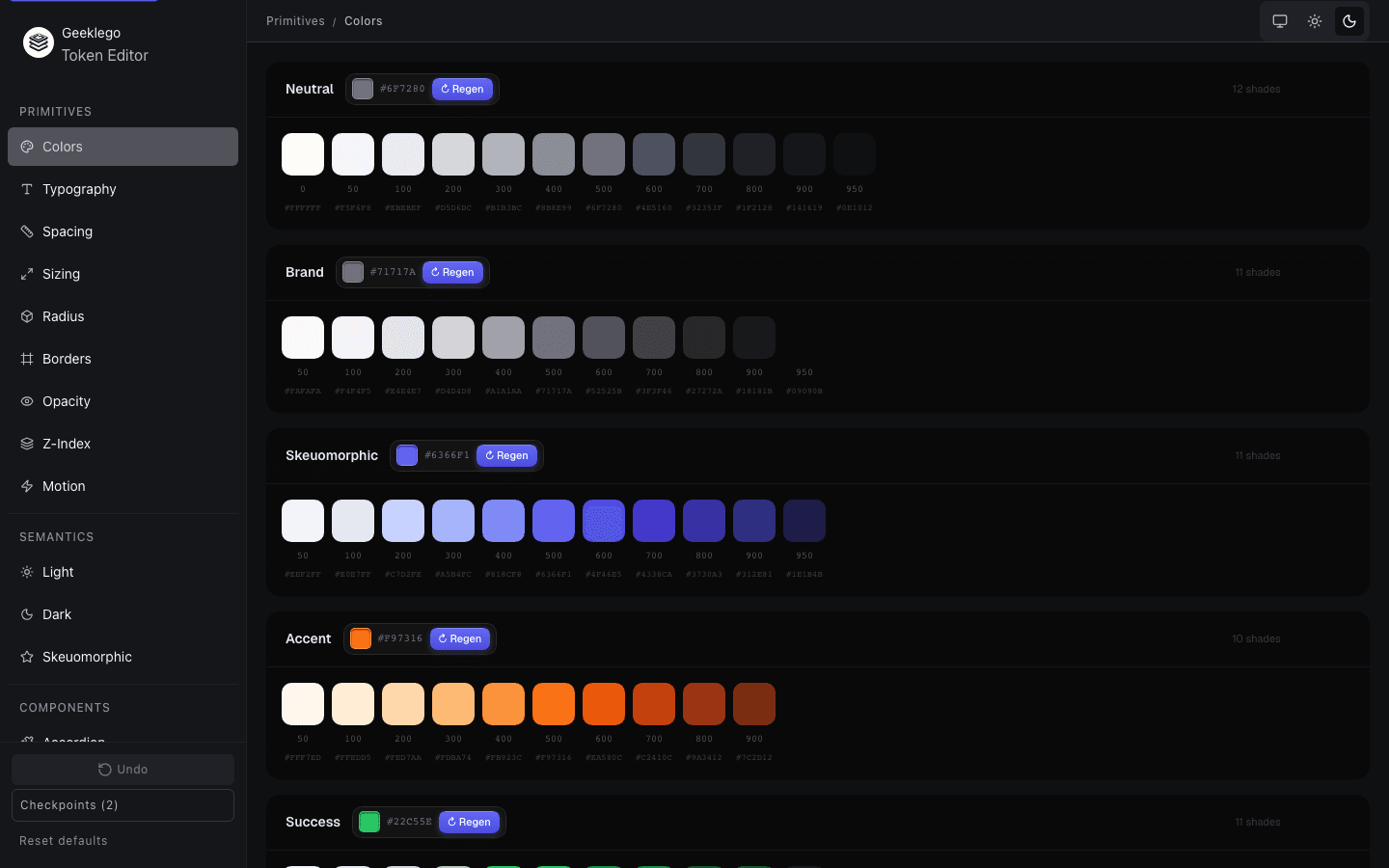
Raw color, spacing, radius, and scale values. These are the foundation — no aliases, no references to other tokens.
Purpose-driven aliases that map intent to primitives (e.g. --color-action-primary → --color-blue-500). Supports light and dark modes.
Scoped tokens for individual UI components. Each references a semantic token, never a primitive directly.
Font families, sizes, weights, line heights, and letter spacing — all editable per semantic level with responsive variants.
Breakpoint-aware token overrides. Adjust how layout spacing tokens scale across viewport sizes.
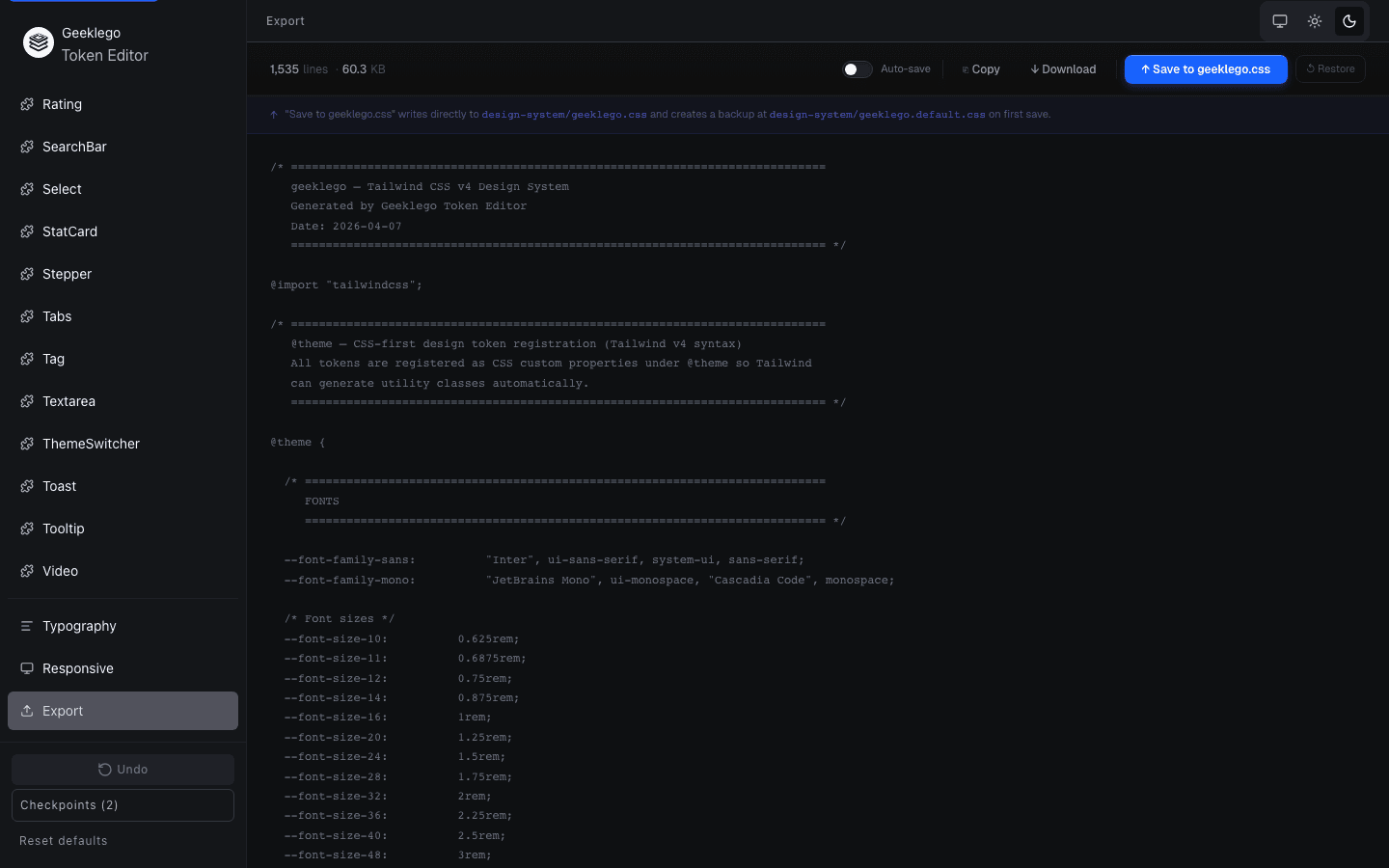
Preview the generated CSS, copy to clipboard, download as a file, or save directly to geeklego.css.
Workflow
How to Use
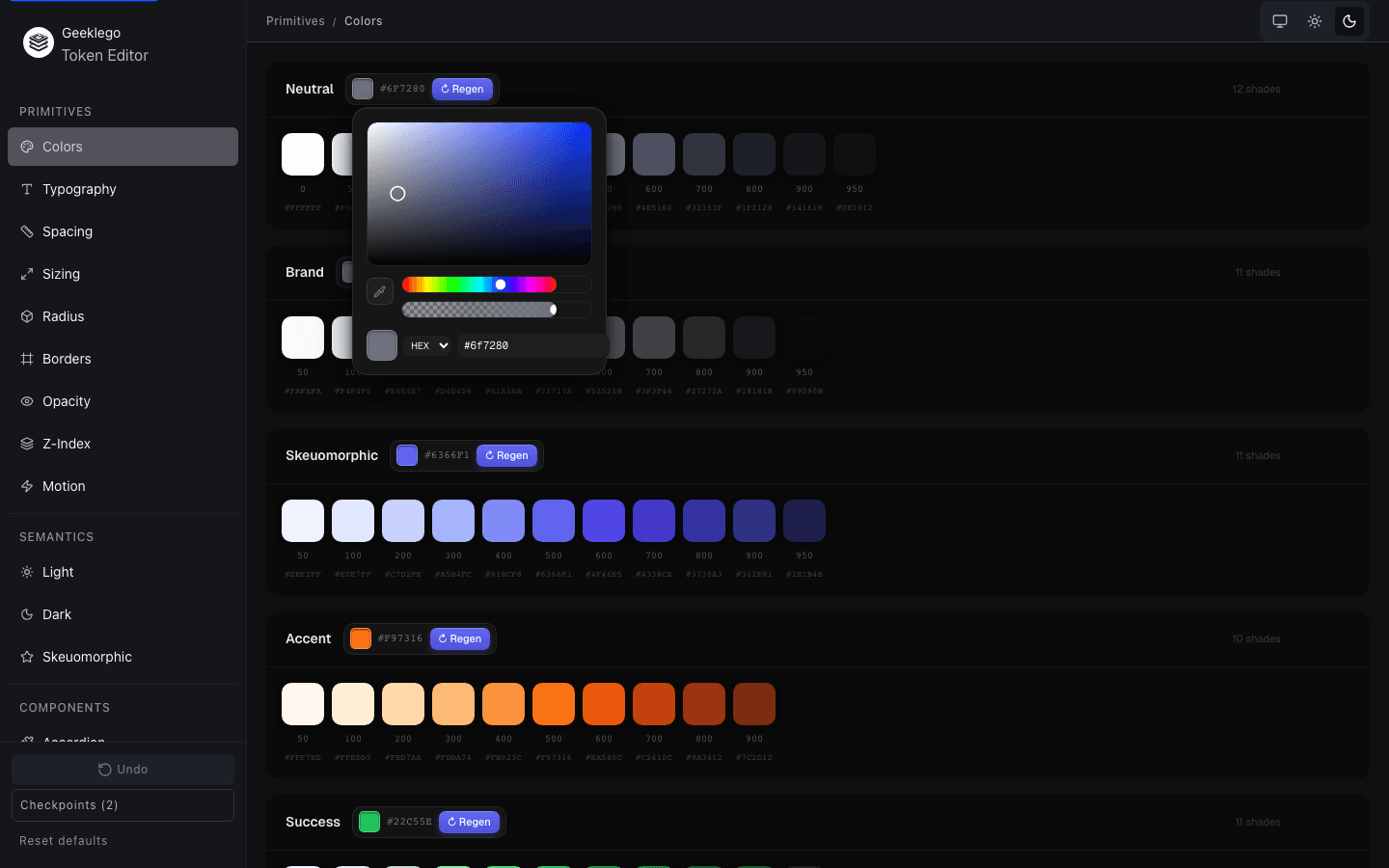
Editing tokens follows a simple loop: select a tab, locate the token, adjust the value, and the preview updates in real time. The color picker supports OKLCH, with live contrast and palette preview.
Persistence
Saving Changes
Use the Export tab to save your tokens directly to geeklego.css. You can also enable Auto-save for continuous writes on every change. Create named checkpoints (up to 20) to bookmark states, and undo up to 50 steps. To revert everything, restore from the geeklego.default.css backup.
Architecture
The Token Chain
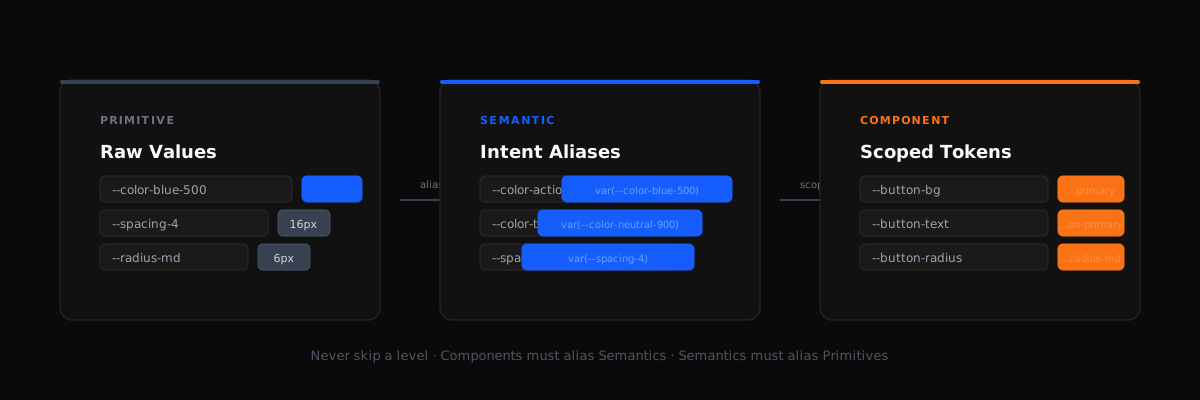
Token values flow in one direction: Primitive → Semantic → Component. The editor enforces this chain — a component token must reference a semantic token, and a semantic token must reference a primitive. Skipping layers is flagged as a validation error.
Validation
Token Validation
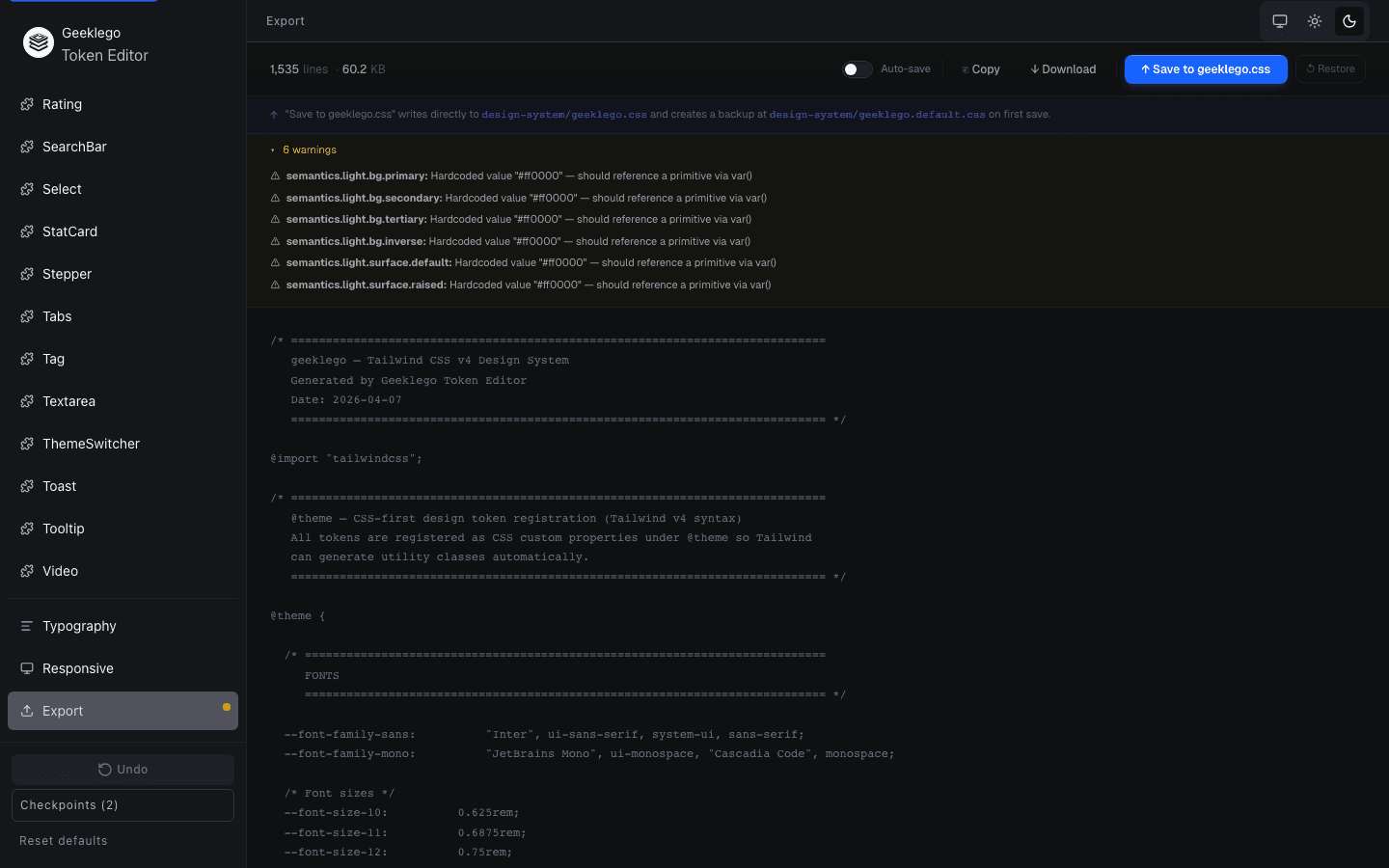
The editor validates every token reference in real time. Broken var() chains, hardcoded hex values in semantic tokens, circular references, and missing dark-mode overrides are all surfaced before you save.
Next Steps
What's Next
After customizing your tokens, see how they apply throughout the system.
- Design System — Understand the three-tier token architecture
- Design Tokens — Deep dive into token naming and structure
- Components — See tokens applied across the component library